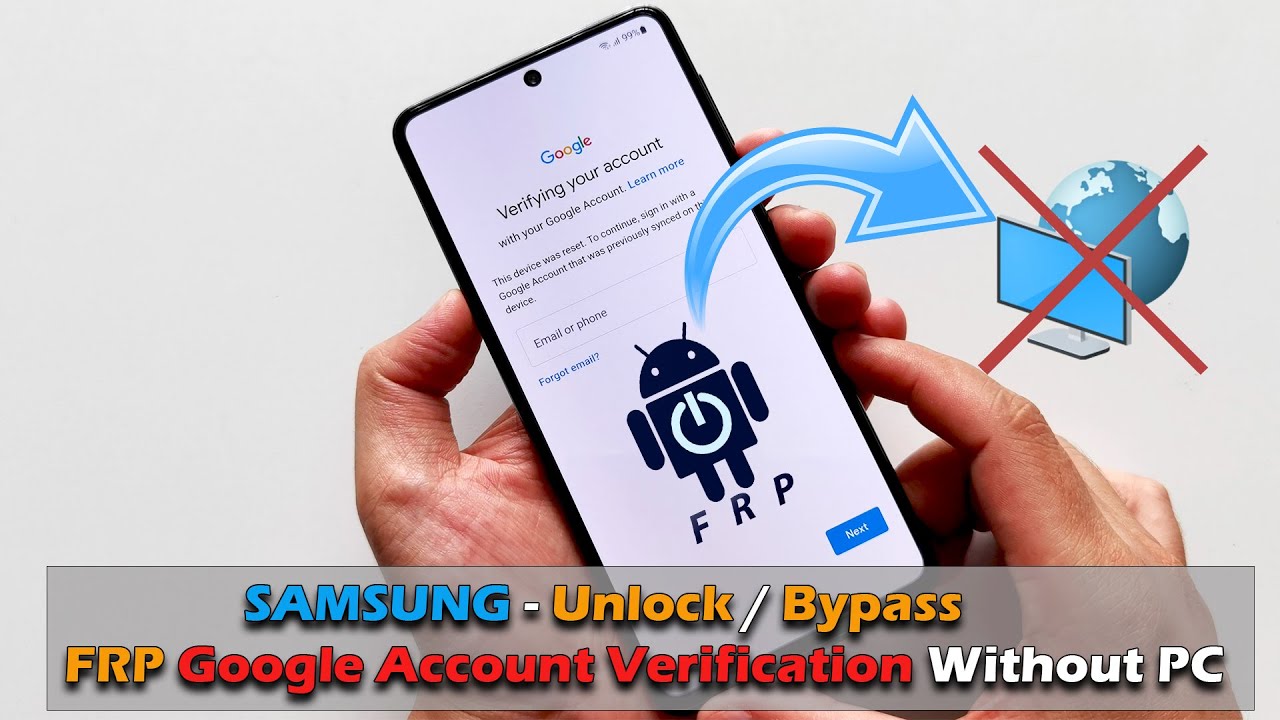
Yes, there are a few ways to bypass FRP without a computer. One method is to use a Google account bypass APK. Another method is to use a Samsung firmware debloater. However, it is important to note that these methods are not always successful and may require some technical knowledge.
Is it possible to remove Google FRP lock?
Yes, it is possible to remove Google lock, also known as Factory Reset Protection (FRP) lock, from a device. You can use LockWiper(Android) to bypass Google lock on Android devices, even if you don’t have password.
Is there any free FRP bypass software?
GSM Aladdin FRP Bypass Tool GSM Aladdin FRP tool is a versatile and free FRP bypass tool for Android. It offers a wide range of functionalities beyond FRP bypass, making it a comprehensive solution for users.
Is it possible to bypass FRP lock in Samsung?
How to Bypass FRP Lock on Samsung with an Android App. Apart from desktop software, you can use an Android tool to bypass FRP lock on Samsung. Here we recommend Google TalkBack. The same as EaseUS MobiUnlock for Android, check your Android version first.
What is the Google FRP code?
Factory Reset Protection (FRP), is a security feature on Android devices with Android OS Version 5.1 (Lollipop) and higher. The FRP provides a built-in security feature you are able to use that protects your device and information, including screen locks and data encryptions.
Is FRP bypass permanent?
Most methods available for bypassing the FRP lock are temporary and might not provide a long-term solution. These methods often involve using third-party tools or software that exploit vulnerabilities in the Android operating system.
Does factory reset remove FRP?
In this case, the FRP will prevent anyone from restoring the device without entering the Google account password (password of any Google account previously signed in with will be sufficient) or without entering the PIN in case set by the user as well. Even a recovery mode factory reset will not do the job.
Does Odin remove the FRP lock?
Odin is an advanced mobile phone software that can easily unlock Samsung mobile devices by bypassing Factory Reset Protection (FRP). Odin FRP bypass flashes smartphones with a custom ROM, which, in turn, will update its system accessibility.
Do FRP bypass tools work?
Yes, it is possible to remove the Google FRP lock in some cases. However, the methods vary depending on the device model and Android version. It’s important to note that bypassing FRP may violate Google’s terms of service and could potentially harm your device.
Can you root a phone that is FRP locked?
Yes, you can root a phone that is FRP locked.
Does flashing firmware remove FRP?
Combination firmware contains factory images you can flash to completely wipe and restore a phone. This removes any previous accounts and FRP locks in the process. Here are the steps: Find the correct combination firmware for your phone model.
How long does bypass FRP take?
It only takes a few minutes to bypass FRP.
Is there a free tool to remove Samsung FRP?
SamFw Tool is a free and simple tool that can bypass FRP on older Samsung models, particularly those running Android 8 and below. It can also download and flash the latest firmware for your Samsung device. It has a straightforward interface that makes it easy to navigate even for tech beginners.
What is the emergency code for FRP bypass?
Type one of the FRP bypass codes (*#813# or *#812#) on the dialer and tap on the “Dial” button.
How do I remove Google Smart Lock after factory reset?
Learn more. To disable Google Smart Lock, open Google Chrome on your device and go to settings. Tap on Passwords and turn off Save Passwords and Auto sign-in.
Is it possible to unlock a Google locked phone?
When your phone is Google locked, you will get the verify screen that says This device was reset. To continue, sign in with a Google Account that was previously synced on this device. A Google-locked phone can be unlocked.
Does Odin remove the FRP lock?
Odin is an advanced mobile phone software that can easily unlock Samsung mobile devices by bypassing Factory Reset Protection (FRP). Odin FRP bypass flashes smartphones with a custom ROM, which, in turn, will update its system accessibility.
Can you remove Google lock remotely?
Log into your Google account. Once logged in, go to Device activity & notifications (located under Sign-in & security). Next click on Review devices (under recently used devices). Select the device you wish to remove from your Google account and click the red Remove button beside account access.
Can the FRP lock be bypassed?
FRP bypass introduced by Google to protect user data has already become a big boon to Google. As it is causing unnecessary issues after resetting your device. In order to avoid all those jargon’s, it is recommended to download the FRP bypass apk tool developed for android devices.
What is the cost of FRP lock remover?
Samsung FRP Remove & Unlocking Service Available Any Model at Rs 299 | Near Seelampur | Baraut | ID: 2849701976930.
Can police get into a factory reset phone?
The police cannot recover anything from a factory reset device. This is why the police are so cautios as to retrieve devices without you touching them, or giving you the opportunity to reset them (early raids, not divulging the reasons for their visits until they’re inside, etc).
Is factory reset enough to get rid of hackers?
If all else fails, you can perform a factory reset on your device. Before doing so, back up your important files, as a factory reset will wipe all of your files and personal data from your phone’s internal storage. On the plus side, a factory reset will also remove any malicious files a hacker may have been using.
Does flashing a phone remove a Google account?
Flashing will not remove the Google account verification on your device. Can you please tell me your phone brand, model, and Android version? I can teach you how to bypass Google account verification on Samsung, Xiaomi, Redmi, vivo, OPPO, and Motorola devices.
Can you bypass FRP after factory reset?
Part 3: How to Disable Google Factory Reset Protection To turn off FRP lock on Android, you need to remove Google account from your devicem. Go to Settings > Accounts and backup > Manage accounts. On the Manage accounts page, you will see all the Google accounts that have been synced with your device.
Does FRP removal work?
Factory reset protection can be useful in preventing theft or stealing of Android devices. It’s impossible to ordinarily remove the FRP lock unless with Google account password.
Can I flash Odin without unlocking bootloader?
No, you can’t do that. When you have not unlocked the bootloader the android system will not accept the files being flashed using Odin.